
Japan eSIM Not Working? 7 Fixes for the Most Common Activation Problems
No signal after landing? Wrong APN, roaming left off, or a plan that hasn't started yet are the usual culprits. Here's how to fix a Japan eSIM that won't connect, step by step.

If your Japan eSIM shows no signal, the fix is almost always one of: data roaming is off, the plan hasn't started yet, or your phone needs a restart. Work through these in order before contacting support — most people are back online in under five minutes.
1. Turn On Data Roaming for the eSIM Line
This is the single most common cause. An eSIM for Japan is a "roaming" line for phones not sold in Japan, and roaming is off by default even after the eSIM is installed and active.
iPhone: Settings → Cellular → tap the Japan eSIM line → toggle Data Roaming on. Android: Settings → Network & Internet → SIMs → tap the Japan eSIM → toggle Roaming on.
If you followed our eSIM setup guide and skipped this step during activation, this alone fixes it for most people.
2. Check That Cellular Data Is Routed to the Right Line
If you have two active lines (home SIM + Japan eSIM), your phone might still be trying to use your home SIM for data, which won't work abroad.
iPhone: Settings → Cellular → Cellular Data → select the Japan eSIM line. Android: Settings → Network & Internet → SIMs → tap "Mobile Data" and select the Japan eSIM.
3. Confirm the Plan Has Actually Started
Some eSIM plans activate the moment you install them; others don't start the validity countdown until the first time they connect to a network in Japan. If you bought the eSIM weeks ago and it's now showing "expired" or "no service," check your provider's app or confirmation email for the specific activation policy — a small number require manual activation through their app before the line works at all, separate from just toggling roaming in phone settings.
4. Restart Your Phone
This sounds too simple to matter, but it fixes more eSIM connection issues than anything else on this list. The eSIM installer and cellular radio occasionally get stuck in a bad state during activation — a restart forces a clean reconnection attempt. Try this before anything more complicated.
5. Toggle Airplane Mode On and Off
If a restart doesn't help, airplane mode forces the phone to fully drop and re-search for a network. Turn it on, wait 15 seconds, turn it off. Combined with roaming being on, this resolves most "installed but no signal" cases.
6. Check You're Not Out of Data
Some plans throttle to unusably slow speeds (not a hard cutoff) once you hit your data cap, which can look identical to "not working." Check remaining data in your provider's app — most Japan eSIM providers (Ubigi, Airalo, Holafly) have a companion app or web dashboard showing exact usage.
This article contains affiliate links. If you buy through one, we may earn a small commission at no extra cost to you.
7. Reinstall the eSIM
If none of the above works, the profile itself may be corrupted. Delete the eSIM (Settings → Cellular → Japan line → Remove eSIM) and reinstall using the same QR code or manual code from your original confirmation email — most providers allow re-installation without an extra charge, but check their policy first since a small number treat a fresh install as a new activation.
When to Contact Support Instead
If you've tried all seven and still have no signal, it's likely a network-side issue (rare, but possible in remote areas or with certain SoftBank-based plans in mountainous regions) or an account issue on the provider's end. Every major provider — Ubigi, Airalo, Sakura Mobile, mobal, Holafly — offers in-app or web live chat, and most respond within minutes. Have your order number and the exact error message ready.
If you're not yet locked into a provider and dealing with repeated setup headaches, it may be worth comparing options in our best eSIM for Japan guide — some providers have meaningfully better support than others, which matters more than the per-GB price if something goes wrong mid-trip.

Cheapest 10GB bundle, SoftBank/KDDI network
FAQ
Why does my Japan eSIM show installed but no service? Almost always data roaming is off for that line. Toggle it on in your cellular settings — this fixes the majority of cases.
Why did my eSIM stop working a few days into my trip? Check your remaining data allowance first — many plans throttle speed dramatically (rather than cutting off entirely) once you hit the cap, which feels like the eSIM "not working."
Can hotel or train WiFi interfere with my eSIM? No, they operate independently. If your phone is connected to WiFi, cellular data issues won't be obvious until you leave WiFi range — test with WiFi off if you're troubleshooting.
My eSIM worked at the airport but stopped in a rural area — why? Coverage varies by the underlying carrier network. Docomo-based eSIMs have the strongest rural and mountain coverage; SoftBank-based plans are more city-focused and can drop in remote regions.
Should I buy a backup eSIM in case one fails? Not necessary for most trips — work through the fixes above first. If you're heading somewhere remote for an extended period, a second provider on a different network (e.g., one Docomo-based, one SoftBank-based) is reasonable insurance.
Travel Desk
The Standard Japan
Trip planning: seasons and crowds, getting around, airports, where to stay, and the practical steps before and after you land.
Facts are taken from primary sources (operators, venues, official tourism and government pages) and dates and prices are checked on the day of writing. Pages are revised when those sources change.
Expertise
Seasonal crowds, transport and airports, itineraries, lodging, pre-trip logistics
Have a question or a correction?
Ask us anything about Japan eSIM Not Working? 7 Fixes for the Most Common Activation Problems, or tell us what we got wrong. We reply within 24 to 48 hours.
The Standard Newsletter
Tokyo in your inbox. Weekly.
No algorithms curating your culture. No sponsored content disguised as journalism. Just the real Tokyo — the izakayas at 2am, the Harajuku kids who never made it to the algorithm, the ramen shop with no sign.
280+
Guides
Weekly
Editions
Free
Always
Join the underground.
One email a week. Unsubscribe anytime.
No spam. No sharing your data. Tokyo only.
Related Stories
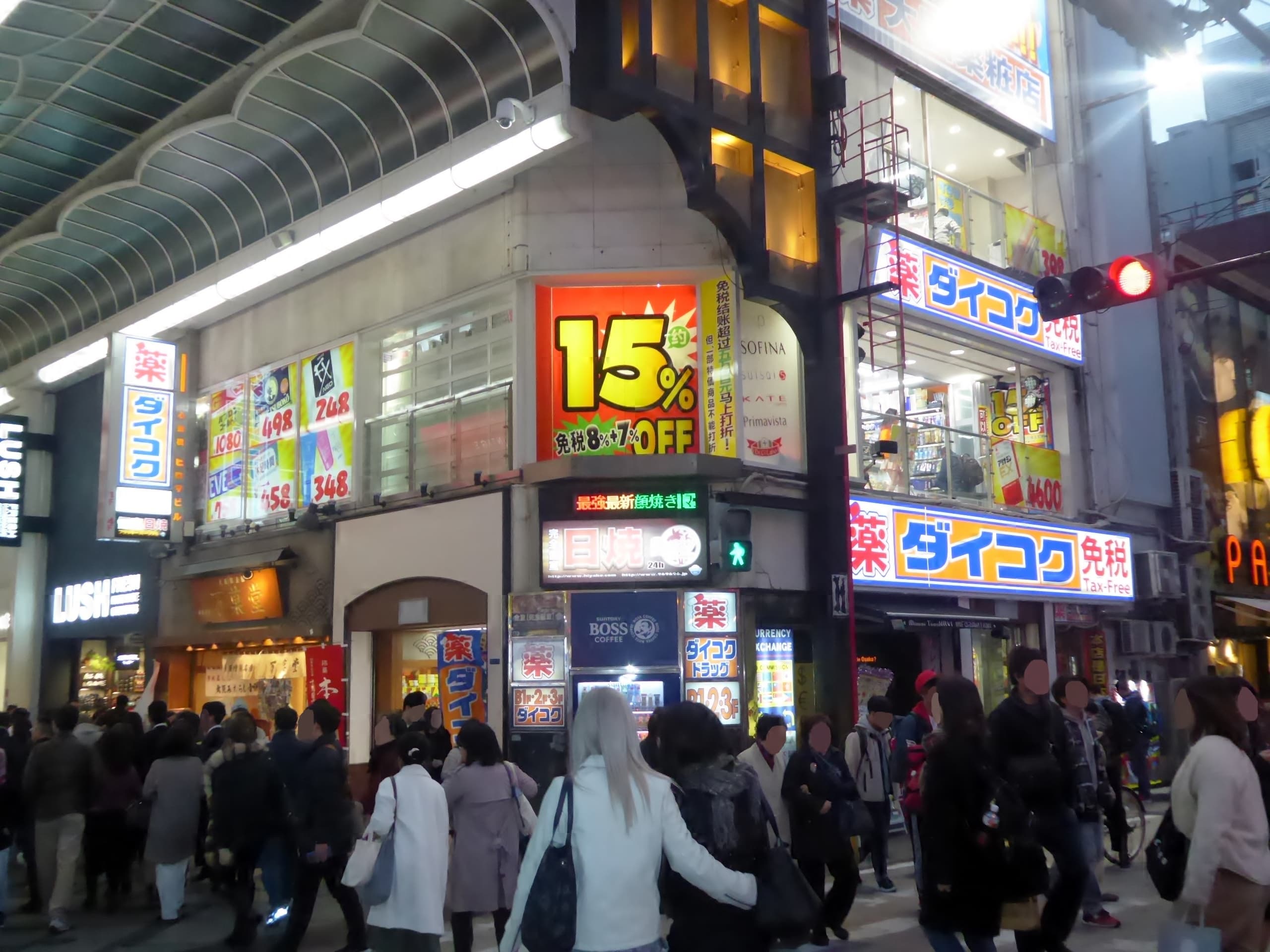
Japan Drugstore Guide: What to Buy at Matsumoto Kiyoshi and Daikoku Drug
Japan's drugstores sell better eye drops, pain patches, and skincare than most pharmacies back home. Here's what to buy, which chain, and how tax-free works.
First-Time Japan Checklist: What to Do Before You Fly (2026)
First-time Japan checklist for foreigners: visas, Visit Japan Web, eSIM, Suica, cash, hotels by city, what to book ahead, and a day-one plan that won’t ruin the trip.

Haneda to Tokyo: Monorail, Keikyu, and When to Take a Car
How to get from Haneda Airport to Tokyo: Tokyo Monorail, Keikyu Airport Line, buses, and private transfers — times, connections, and first-timer tips.