
Mobile Suica on iPhone: How to Add It to Apple Pay Before You Fly
Mobile Suica works in Apple Wallet on any iPhone — but foreign Apple IDs run into a region-lock error that trips up most travelers. Here's the actual fix, plus the Android equivalent.

Yes, Mobile Suica works on any iPhone through Apple Wallet, foreign or Japanese-bought, and you don't need a Japanese bank account or Apple ID to use it. The one snag most travelers hit is a region-lock error when trying to add it — here's the actual fix.
Arrival stack (pair these)
Do these in order on arrival day — each guide links the next:
- Visit Japan Web — immigration/customs QR before you land
- Narita vs Haneda — which airport and how into the city
- Best eSIM for Japan · eSIM vs pocket WiFi · eSIM setup — data on landing
- Suica / Pasmo · Mobile Suica on iPhone — trains, buses, konbini taps
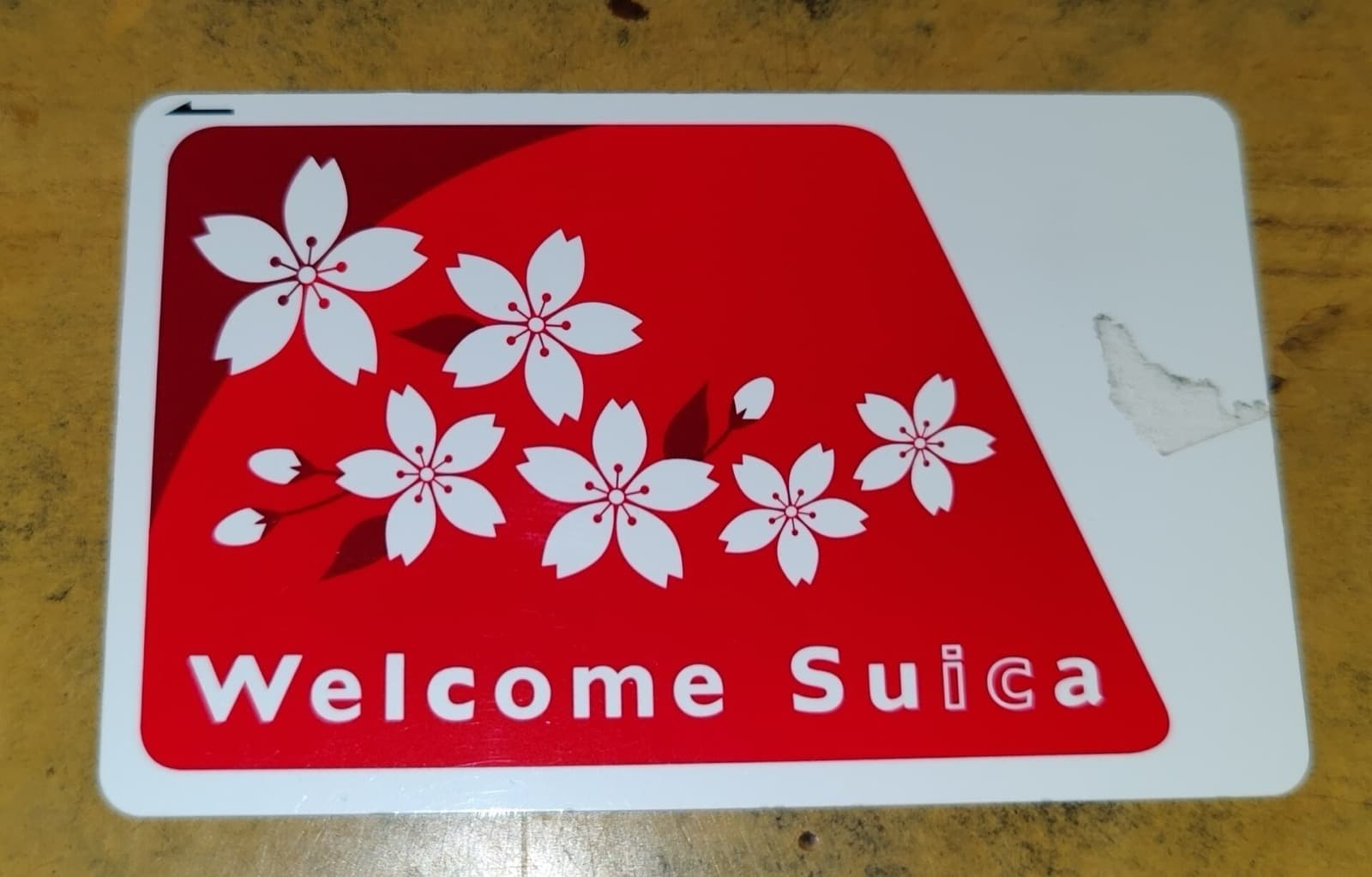
Why Physical Suica vs Mobile Suica
A physical Suica or Pasmo card works fine and needs no setup beyond buying it at a station. Mobile Suica adds one real advantage: top-up from your phone, anywhere, without finding a station kiosk — useful if you run low on a Sunday evening with ticket machines out of easy reach, or just want one less physical card in your wallet.
If you're not fussed about topping up on the go, a physical card is simpler. If you want the convenience, here's the setup.
Step 1: Add Suica to Apple Wallet
Open the Wallet app → tap + → select Suica (usually listed as a transit card option) → follow the prompts to create a new card. Choose a starting balance and load it with a credit card added to Apple Pay.
Step 2: Fix the Region-Lock Error
This is the step that trips up most non-Japanese iPhone users: Suica sometimes doesn't appear as an option in Wallet, or the setup fails partway through, because the iPhone's region setting, not your Apple ID's country, controls which transit cards are available.
The fix: Settings → General → Language & Region → tap Region → set it to Japan temporarily. Add Suica in Wallet. You can switch your region back afterward — the card stays in Wallet regardless of your region setting once it's added.
You do not need to change your Apple ID country or App Store region — only the phone's Region setting, which is a much smaller, fully reversible change.
Step 3: Top Up With a Foreign Credit Card
Once Suica is in Wallet, top up directly: open Wallet → tap the Suica card → Add Money → enter an amount → pay with any card already in Apple Pay, including non-Japanese cards. Most major international Visa and Mastercard issuers work without issue; some smaller banks occasionally decline foreign transit top-ups, in which case a different card usually resolves it.
Using It
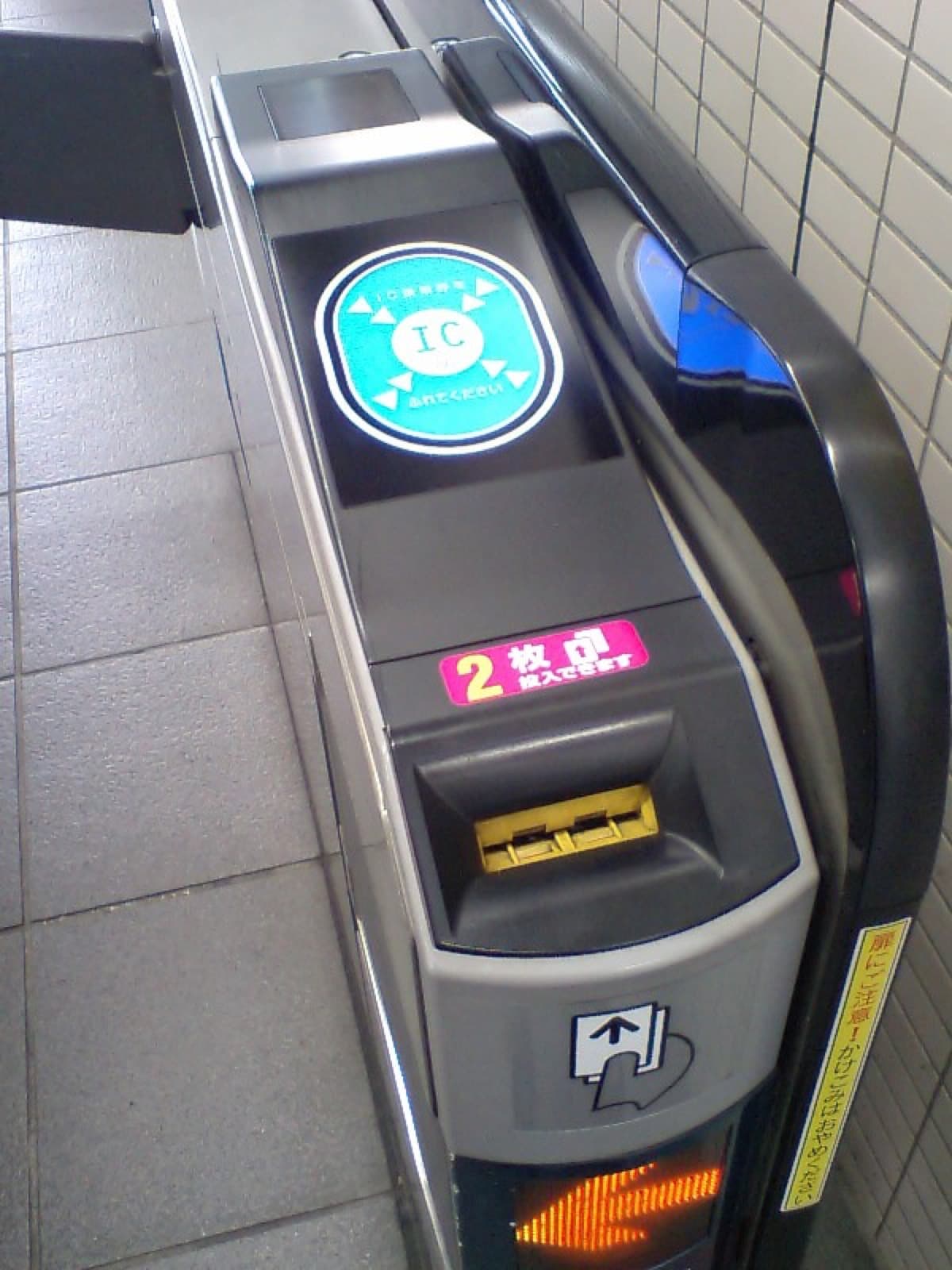
Tap your iPhone (not the whole phone unlocked — just near the reader) at any train gate, bus reader, or store checkout that takes Suica. Double-click the side button first if Suica isn't set as your Express Transit card, which lets you tap without unlocking or opening Wallet at all — genuinely faster than pulling out a physical card.
Set it as Express Transit: Settings → Wallet & Apple Pay → Express Transit Card → select Suica.
Android: Use the Suica App, Not Google Wallet Directly
Android's path is different — Google Wallet doesn't handle Suica the same way Apple Wallet does. Instead:
- Download the Suica app (モバイルSuica) from the Google Play Store
- Create an account (English interface available)
- Issue a new Suica card in-app and load it with a credit card
The Suica app then handles tap-to-pay via the phone's NFC directly — you don't need to separately add it to Google Wallet.
Common Problems
- "Suica not available in your region" — this is the Region setting issue above, not an account or nationality restriction. Switch iPhone Region to Japan, add the card, switch back if you want.
- Top-up declined — try a different card; some card issuers flag the transaction type. A widely-issued Visa or Mastercard usually works if your primary card fails.
- Balance not updating at gates — this is rare but can happen with a spotty NFC read; tap again slightly more firmly and briefly on the reader.
Do You Need This If You Have an eSIM Already?
They're unrelated — an eSIM (we like Airalo or Saily) handles your phone's data connection, Mobile Suica handles transit and store payments. Most travelers set up both before flying: eSIM for data, Mobile Suica for tap-to-pay, and neither depends on the other.
This article contains affiliate links. If you buy through one, we may earn a small commission at no extra cost to you.
FAQ
Can I add Suica to Apple Wallet on a US or UK Apple ID? Yes. Your Apple ID's country doesn't block Suica — only the iPhone's Region setting (Settings → General → Language & Region) needs to be set to Japan during setup.
Do I need a Japanese bank account for Mobile Suica? No. Top up directly in Wallet with any credit card already added to Apple Pay, including foreign-issued cards.
Is Mobile Suica better than a physical Suica card? Functionally identical for trains, buses, and stores. Mobile Suica adds the ability to top up from your phone anywhere; a physical card is simpler if you don't need that.
Does Mobile Suica work on Android? Yes, but through the separate Suica app (モバイルSuica) from Google Play, not directly through Google Wallet.
Can I get a refund on unused Mobile Suica balance after my trip? Refunds for mobile (app-based) Suica are more limited than for physical cards and generally require a Japan-issued payment method for the refund itself — most travelers just spend down the balance before leaving or keep it loaded for a future trip.
Travel Desk
The Standard Japan
Trip planning: seasons and crowds, getting around, airports, where to stay, and the practical steps before and after you land.
Facts are taken from primary sources (operators, venues, official tourism and government pages) and dates and prices are checked on the day of writing. Pages are revised when those sources change.
Expertise
Seasonal crowds, transport and airports, itineraries, lodging, pre-trip logistics
Have a question or a correction?
Ask us anything about Mobile Suica on iPhone: How to Add It to Apple Pay Before You Fly, or tell us what we got wrong. We reply within 24 to 48 hours.
The Standard Newsletter
Tokyo in your inbox. Weekly.
No algorithms curating your culture. No sponsored content disguised as journalism. Just the real Tokyo — the izakayas at 2am, the Harajuku kids who never made it to the algorithm, the ramen shop with no sign.
280+
Guides
Weekly
Editions
Free
Always
Join the underground.
One email a week. Unsubscribe anytime.
No spam. No sharing your data. Tokyo only.
Related Stories
Japan Drugstore Guide: What to Buy at Matsumoto Kiyoshi and Daikoku Drug
Japan's drugstores sell better eye drops, pain patches, and skincare than most pharmacies back home. Here's what to buy, which chain, and how tax-free works.

First-Time Japan Checklist: What to Do Before You Fly (2026)
First-time Japan checklist for foreigners: visas, Visit Japan Web, eSIM, Suica, cash, hotels by city, what to book ahead, and a day-one plan that won’t ruin the trip.
Haneda to Tokyo: Monorail, Keikyu, and When to Take a Car
How to get from Haneda Airport to Tokyo: Tokyo Monorail, Keikyu Airport Line, buses, and private transfers — times, connections, and first-timer tips.