
Best eSIM for Japan 2026: Picks by Trip Type and Price
The best Japan eSIM for your trip: Airalo or Ubigi for most visitors ($16.50–$18 for 10GB), Saily for light use, unlimited plans, Docomo or au for skiing.

This article contains affiliate links. If you buy through one, we may earn a small commission at no extra cost to you.
Correction, 11 October 2026: earlier versions gave Saily a 30-day activation window (it is now 180 days), listed its network as KDDI only (it uses KDDI and SoftBank), said Holafly restricts hotspots (its Japan page now offers hotspot use) and put Sakura Mobile's unlimited plan on Docomo (it runs on au).
The best eSIM for Japan depends on how much data you use and where you are going. For most visitors, a 10GB plan from Airalo or Ubigi covers a one- to two-week trip for $16.50–$18. If you mostly use hotel Wi-Fi, a small plan is cheaper; if you stream or share a hotspot, buy unlimited; and if you are skiing or travelling deep into the countryside, choose a plan on Docomo or au.

For a one- or two-week trip: 10GB for 30 days on SoftBank
Leaving Japan for somewhere else? See best eSIM for overseas travel from Japan.
The best Japan eSIM for your trip
| Your trip | Our pick | Price checked October 2026 |
|---|---|---|
| Most trips, one to two weeks | Airalo (SoftBank) or Ubigi (Docomo and KDDI) | $18 or $16.50 for 10GB |
| Light use, mostly on Wi-Fi | Saily (KDDI and SoftBank) | 1GB $3.99 · 3GB $7.99 · 5GB $10.99 |
| Heavy use, video or hotspot | Unlimited from Airalo, Holafly, Saily or Sakura Mobile | From $11.50 for 3 days (Airalo) |
| Skiing, mountains and the countryside | A Docomo or au plan: Ubigi, Sakura Mobile or mobal | See below |
| You need a Japanese phone number | mobal's voice and data eSIM | See below |
| A month or longer | Sakura Mobile or mobal | See long stays |
Most trips: Airalo or Ubigi
For a city trip of one to two weeks, 10GB is enough for most people (see how much data you need). Airalo charges $18 for 10GB over 30 days, on SoftBank, and also sells unlimited plans if you would rather not count. Ubigi charges $16.50 for 10GB and runs on Docomo and KDDI, the two networks with the widest coverage outside the cities. Either works well in Tokyo, Kyoto, Osaka and along the Shinkansen lines.
10GB for 30 days, or unlimited from 3 days, on SoftBank
Light use: Saily
If you will be on hotel and café Wi-Fi most of the time and only need maps and messages on the move, Saily is the cheapest of the big names for small plans: $3.99 for 1GB, $7.99 for 3GB and $10.99 for 5GB. Its 10GB plan, at $17.99, is about the same price as Airalo's. Saily is data-only, with no SMS; see our Saily review.

From the makers of NordVPN, on KDDI and SoftBank
Heavy use: unlimited plans
If you upload video, work from your laptop or share a hotspot with someone else, an unlimited plan saves you watching the meter. Read what "unlimited" means on each:
- Airalo: unlimited plans from $11.50 for three days, on SoftBank.
- Holafly: unlimited, $11.90 for three days, $36.50 for ten days and $73.90 for 30 days. Its Japan page says you can use your phone as a hotspot.
- Saily: unlimited from 5 days; you get 5GB a day at full speed, then up to 1 Mbps for the rest of the day. 15 days cost $48.99.
- Sakura Mobile: a Japanese company that sells a 5G unlimited eSIM on au's network, and a cheaper plan on Docomo with 3GB a day at full speed.
Skiing, mountains and the countryside
All three Japanese networks are good in the cities. The differences show in the mountains, on small islands and in rural Hokkaido, where Docomo and au reach further than SoftBank. If your trip includes Niseko, Hakuba, the Kumano Kodo or long drives in Hokkaido, choose a plan on Docomo or au: Ubigi (Docomo and KDDI), Sakura Mobile (au or Docomo) or mobal (Docomo). For a full comparison of the networks, see Docomo vs SoftBank vs au, and for ski areas, the best ski resorts in Japan.
You need a Japanese phone number
Most travel eSIMs, including Airalo, Saily and Ubigi, are data-only. That is fine for maps, LINE and WhatsApp, but some Japanese websites and apps send a verification code by SMS to a Japanese number. mobal sells a voice and data eSIM with a real Japanese 070, 080 or 090 number, as well as cheaper data-only plans on Docomo.
Families and groups
Every phone needs its own eSIM, so a family of four buys four plans. Yesim takes 10% off when you buy two or more eSIMs in one order, and its plans all run 30 days (5GB $10.56, 10GB $19.20, prices checked 13 October 2026). For three or more people who stay together all day, a pocket Wi-Fi shared between everyone can cost less, but everyone loses data when the person carrying it walks off.
Buy it now, switch it on when you land
The most common mistake is leaving this until the week you fly. Buying an eSIM does not start the clock.
With Airalo, the validity period begins when the installed eSIM connects to a supported network in Japan, not when you pay or install it. A small number of packages start at installation instead, so check Additional Information → Activation Policy on the plan before you buy.
With Saily, every plan has a 180-day activation period, and it switches on automatically when you arrive.
So buy it as soon as your dates are fixed, install it at home on your own Wi-Fi, where you can fix a failed QR scan or a locked phone calmly, and leave it switched off. When your plane lands at Narita or Haneda, turn it on and you have data before you reach immigration.
Will your phone work?
Check two things before you buy:
- Does it support eSIM? iPhones from the XS and XR onwards do, as do most recent Google Pixel and Samsung Galaxy phones. Some models sold in mainland China and Hong Kong don't. Your provider's website has a full list.
- Is it unlocked? A phone bought on a contract may be locked to your carrier, and a locked phone can't use another carrier's eSIM. On an iPhone, go to Settings → General → About and look for Carrier Lock: No SIM restrictions. If it is locked, ask your carrier to unlock it before you travel.
Quick comparison: Japan eSIM options
| Provider | Best for | Plans | 10GB price | Network | Tethering | Where to buy |
|---|---|---|---|---|---|---|
 AiraloMost trips AiraloMost trips | The default pick for a one- or two-week trip; unlimited plans from $11.50 for 3 days | Fixed data or unlimited · 3–30 days | $18 | SoftBank | Yes | View offer |
 SailyLight use SailyLight use | Small plans: 1GB $3.99, 3GB $7.99; 180 days to activate | 1GB–20GB or unlimited · 3–30 days | $17.99 | KDDI / SoftBank | Yes | View offer |
Yesim | Bigger buckets with 30 days on every plan: 20GB $29.76, 30GB $39.60; 10% off two or more eSIMs | 1GB–30GB · 30 days, or unlimited by the day | $19.20 | — | Yes | View offer |
Ubigi | Docomo and KDDI coverage, the cheapest 10GB of the big names | — | $16.50 | NTT Docomo / KDDI | Yes | — |
Holafly | Unlimited data: $11.90 for 3 days, $36.50 for 10 days | Unlimited · 3–30 days | — | — | Hotspot advertised | — |
Sakura Mobile | 5G unlimited on au, or 3GB a day on Docomo; English support | Unlimited or 3GB a day · up to 90 days | — | au / NTT Docomo | — | — |
mobal | Data plans on Docomo, or voice and data with a Japanese phone number | — | — | NTT Docomo | — | — |
 trifa trifa | Docomo coverage with app-based top-ups mid-trip | — | — | NTT Docomo | — | — |
AiraloMost tripsThe default pick for a one- or two-week trip; unlimited plans from $11.50 for 3 days
- Plans
- Fixed data or unlimited · 3–30 days
- Network
- SoftBank
- Tethering
- Yes
SailyLight useSmall plans: 1GB $3.99, 3GB $7.99; 180 days to activate
- Plans
- 1GB–20GB or unlimited · 3–30 days
- Network
- KDDI / SoftBank
- Tethering
- Yes
Bigger buckets with 30 days on every plan: 20GB $29.76, 30GB $39.60; 10% off two or more eSIMs
- Plans
- 1GB–30GB · 30 days, or unlimited by the day
- Tethering
- Yes
Docomo and KDDI coverage, the cheapest 10GB of the big names
- Network
- NTT Docomo / KDDI
- Tethering
- Yes
Unlimited data: $11.90 for 3 days, $36.50 for 10 days
- Plans
- Unlimited · 3–30 days
- Tethering
- Hotspot advertised
5G unlimited on au, or 3GB a day on Docomo; English support
- Plans
- Unlimited or 3GB a day · up to 90 days
- Network
- au / NTT Docomo
Data plans on Docomo, or voice and data with a Japanese phone number
- Network
- NTT Docomo
trifaDocomo coverage with app-based top-ups mid-trip
- Network
- NTT Docomo
How we put this list together. We compare published prices, the Japanese network each provider uses, hotspot policy and activation terms, the things that actually differ between providers. Prices were checked on the providers' own sites in October 2026. We do not run our own speed tests, so there are no Mbps figures here; speeds in central Tokyo at 2pm and rural Nagano at 8pm are different questions, and the network is the better guide.
"Where to buy" is filled in only for providers we have a commercial relationship with. A dash means we rate the provider but have nothing to link, so go to their own site. We would rather leave a gap than pretend a link is a recommendation.
How much data do you need?
Typical use for a visitor:
- Google Maps all day: 100–200MB a day
- Google Translate with the camera: 50–100MB a day
- Social media and messaging: 200–500MB a day
- Uploading photos and stories: 500MB–1GB a day
Totals:
- Light user, about 500MB a day: 5GB covers 10 days
- Typical user, about 1GB a day: 10GB covers 10 days
- Heavy user, video or hotspot, 2GB or more a day: buy unlimited
If in doubt, buy 10GB for a 10-day trip. Top-ups take a minute in the app if you run out.
Setup: do this before you fly
- Buy the eSIM online. You get a QR code by email, or an install button in the app.
- Install it on your home Wi-Fi. On an iPhone: Settings → Mobile Data (or Cellular) → Add eSIM, then scan the QR code. Installing is not activating.
- Label it "Japan" and leave it switched off.
- When you land, switch the Japan line on, turn on data roaming for that line only, and turn data off on your home line. Your home number can still receive calls and texts.
For a step-by-step walkthrough, see our eSIM setup guide, and if it won't connect when you land, our eSIM troubleshooting guide.
On arrival day, it helps to have done these too: Visit Japan Web for immigration and customs, Narita vs Haneda for getting into the city, and Suica and PASMO for trains.
eSIM, pocket Wi-Fi or physical SIM?
An eSIM is best for solo travellers and couples with a recent phone, and anyone who doesn't want to queue at the airport.
Pocket Wi-Fi is best for:
- Groups of three or more who stay together
- Long days of laptop work
- Phones that don't support eSIM
You can reserve pocket Wi-Fi online and collect it at the airport. For the full comparison, see eSIM vs pocket Wi-Fi for Japan.
Physical tourist SIM cards are still sold at the airports, but they only make sense if your phone can't take an eSIM.
Long stays: a month or more
Tourist eSIMs get expensive after about three weeks. For a month or longer, look at Sakura Mobile and mobal, both with English support and plans that run for up to 90 days or month to month. A contract with a Japanese carrier needs a residence card, so it is only an option if you are moving here. See eSIMs for digital nomads and working holidays, and if you are moving to Japan, our visa guide and moving to Tokyo guide.
FAQ
What is the best eSIM for Japan? For most trips, Airalo ($18 for 10GB, on SoftBank) or Ubigi ($16.50 for 10GB, on Docomo and KDDI). Saily is cheaper for small amounts of data, and Docomo or au plans are better for skiing and the countryside.
What is the best unlimited eSIM for Japan? Airalo's unlimited plans start at $11.50 for three days. Holafly costs $36.50 for ten days. Saily's unlimited plans give 5GB a day at full speed. Sakura Mobile sells a 5G unlimited plan on au.
Which eSIM is best for skiing in Japan? One on Docomo or au, such as Ubigi, Sakura Mobile or mobal. Their coverage reaches further into the mountains than SoftBank's.
Do eSIMs work in rural Japan? Yes, but coverage varies by network. Docomo and au reach furthest; SoftBank is fine in cities but thinner in the mountains.
Can I make phone calls with a travel eSIM? Most are data-only, so use LINE, WhatsApp or FaceTime. If you need a Japanese number, mobal sells a voice and data eSIM.
Can I share my eSIM data with my laptop? Most providers allow it, including Airalo, Ubigi and Saily, and Holafly's Japan page now advertises hotspot use. Check the plan details before you buy if it matters.
When should I buy it? As soon as your dates are fixed. Buying does not start the validity period: Airalo plans start when they connect in Japan, and Saily gives 180 days to activate.
Can I install it before I fly and leave it switched off? Yes, and you should. Install it on home Wi-Fi, label the line "Japan", and switch it on when you land.
What if I've already left and didn't buy one? Narita and Haneda both have free Wi-Fi, which is enough to buy and install an eSIM when you land. It works; it's just a worse place to find out your phone is locked.
Travel Desk
The Standard Japan
Trip planning: seasons and crowds, getting around, airports, where to stay, and the practical steps before and after you land.
Facts are taken from primary sources (operators, venues, official tourism and government pages) and dates and prices are checked on the day of writing. Pages are revised when those sources change.
Expertise
Seasonal crowds, transport and airports, itineraries, lodging, pre-trip logistics
Have a question or a correction?
Ask us anything about Best eSIM for Japan 2026: Picks by Trip Type and Price, or tell us what we got wrong. We reply within 24 to 48 hours.
Related Stories
eSIM vs Pocket WiFi Japan 2026: Which to Buy
eSIM wins for 1–2 people with a 2018+ phone. Pocket WiFi wins for groups of 3+ or laptops. Cost, speed, and hassle — pick once.
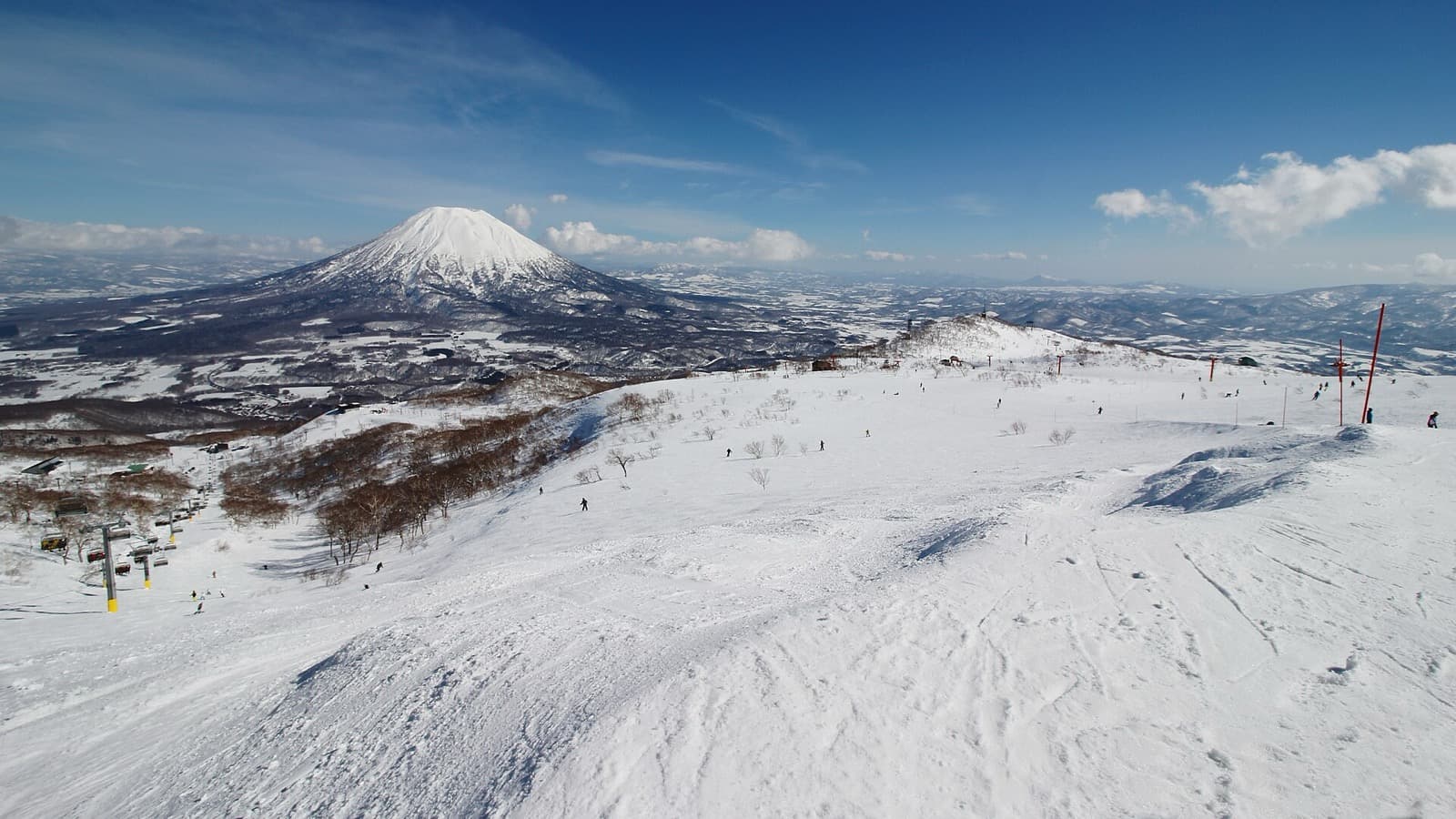
eSIM for Skiing in Japan: Signal at Niseko, Hakuba, Nozawa
Which network to pick for a ski trip, why a data-only eSIM can't make phone calls, cold-battery rules, and what to set up before you ride Niseko or Hakuba.
How to Set Up Your Japan eSIM: Step-by-Step Before You Fly
Buy, install and activate a Japan eSIM in under 10 minutes: install at home on WiFi, switch it on when you land. Full walkthrough and common mistakes.